blog
10+ Ways to Repurpose Your Blog Content
Did you know that 92.6% of marketers admit to repurposing or regurgitating existing content instead of creating new material? Even more striking: 60% of marketers say repurposed content generates more leads than brand-new content.
If you spend hours writing a blog post only to publish it once and forget about it, you’re leaving massive value on the table.
Your best blog content can work much harder for you. One great post can become a video, a podcast episode, a social media series, an email newsletter, and so much more.
So why let one post work only once? In this guide, you will learn 11 simple ways to repurpose your blog content. You will see real examples, clear steps, and tips to help search engines find your work.
What Is Content Repurposing?
Content repurposing means taking one piece of content and reshaping it for different formats, platforms, or audiences. You keep the core message but change how you deliver it.
For example, you might turn a 2,000-word blog post into a short video, a Twitter thread, or a printable checklist. The idea stays the same. The packaging changes.
Content repurposing also fits the current search landscape. Google says its AI search features still rely on the same basic SEO foundations as regular search. Google recommends helpful, reliable, people-first content with unique value.
Why Should You Repurpose Blog Content?
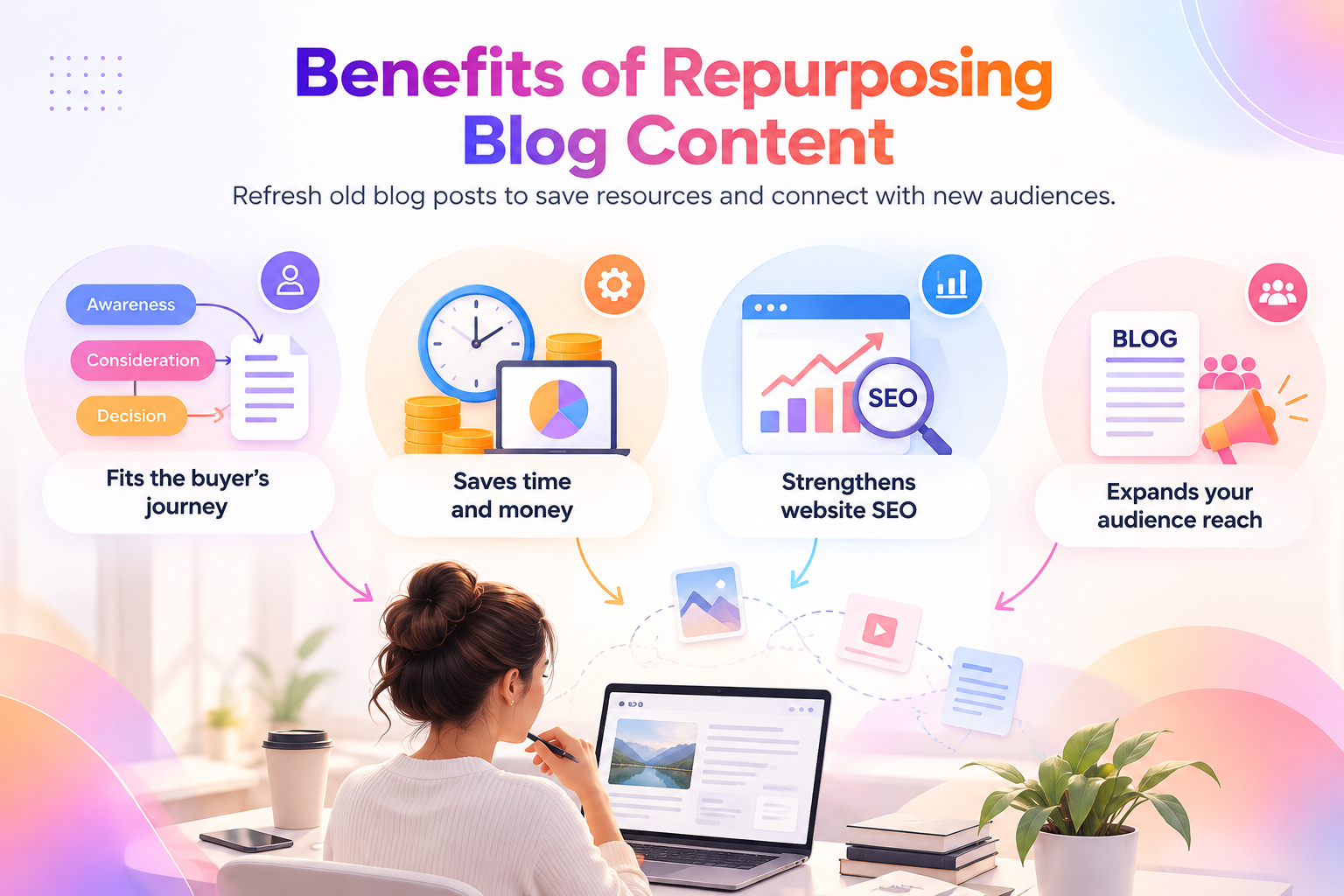
Repurposing can support several parts of your content strategy. It can help you get more value from research, reach different audiences, and extend the life of strong ideas.
Content Marketing Institute’s B2B research found that 37% of B2B marketers listed content repurposing as a content creation challenge. The same research found that 45% lacked a scalable model for content creation.
Repurposing gives teams a more repeatable workflow.
Get More Value From Existing Research
A strong blog post often contains several useful ideas. Yet readers may never see every section. Repurposing lets you pull those ideas apart and present them in different ways.
For example, one section on common SEO mistakes could be turned into a LinkedIn post. A list of steps could become a carousel. A case study could become a short video.
You already did the research. Now you can use it in more formats.
Reach People Across Different Channels
Not everyone likes to consume content in the same way. Some people prefer blog posts. Others prefer video, email, social posts, or audio. Repurposing lets you meet people where they spend time. However, each version should fit the channel rather than look like a direct copy.
Extend the Life of Evergreen Content
Some blog posts remain useful for months or years. A detailed guide can continue generating ideas long after publication. You can refresh its facts, update examples, and turn its best sections into new content.
This works especially well for topics such as:
- SEO guides
- How-to tutorials
- Industry explainers
- Product education
- Research summaries
- Checklists
- Frequently asked questions
10+ Ways to Repurpose Your Blog Content
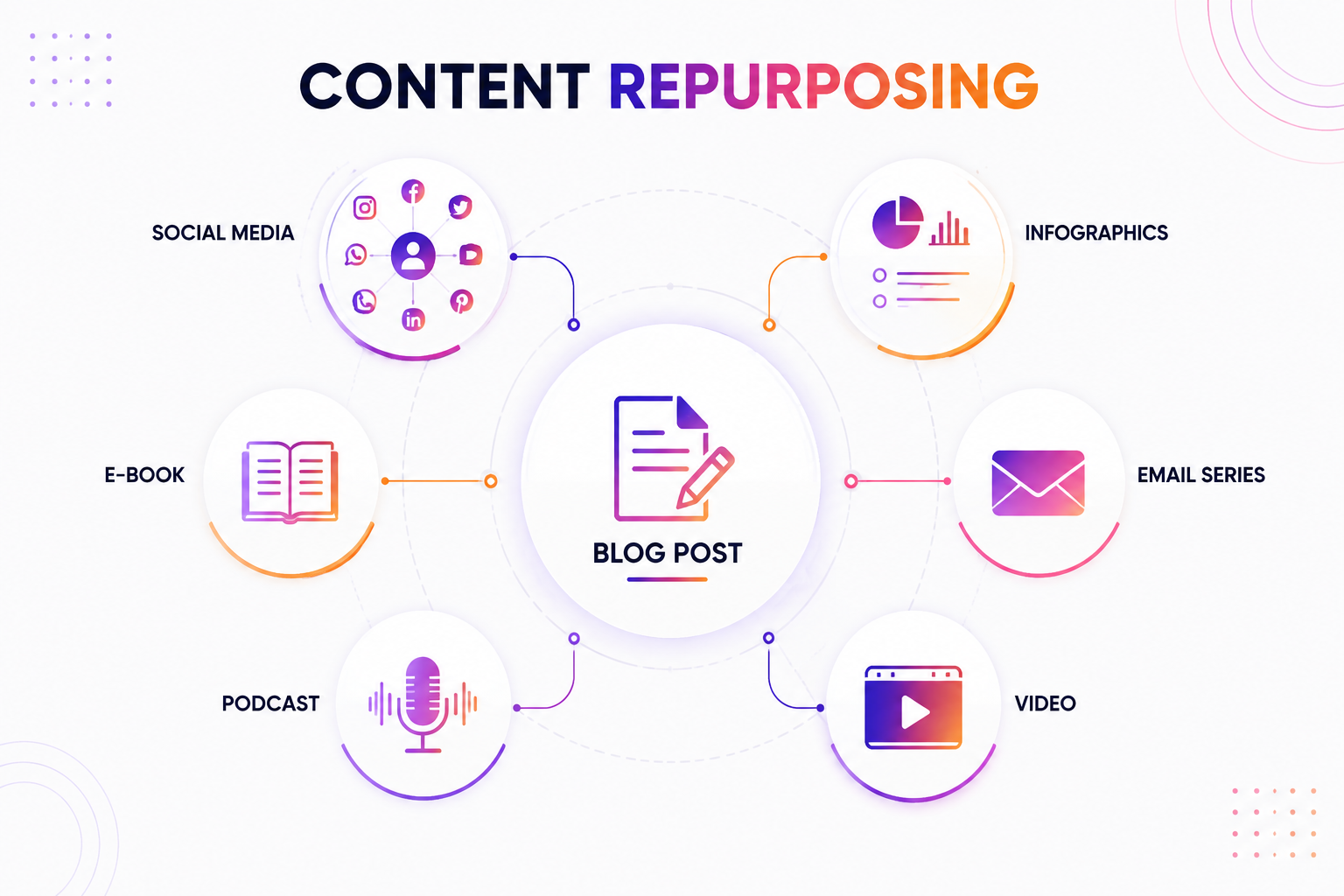
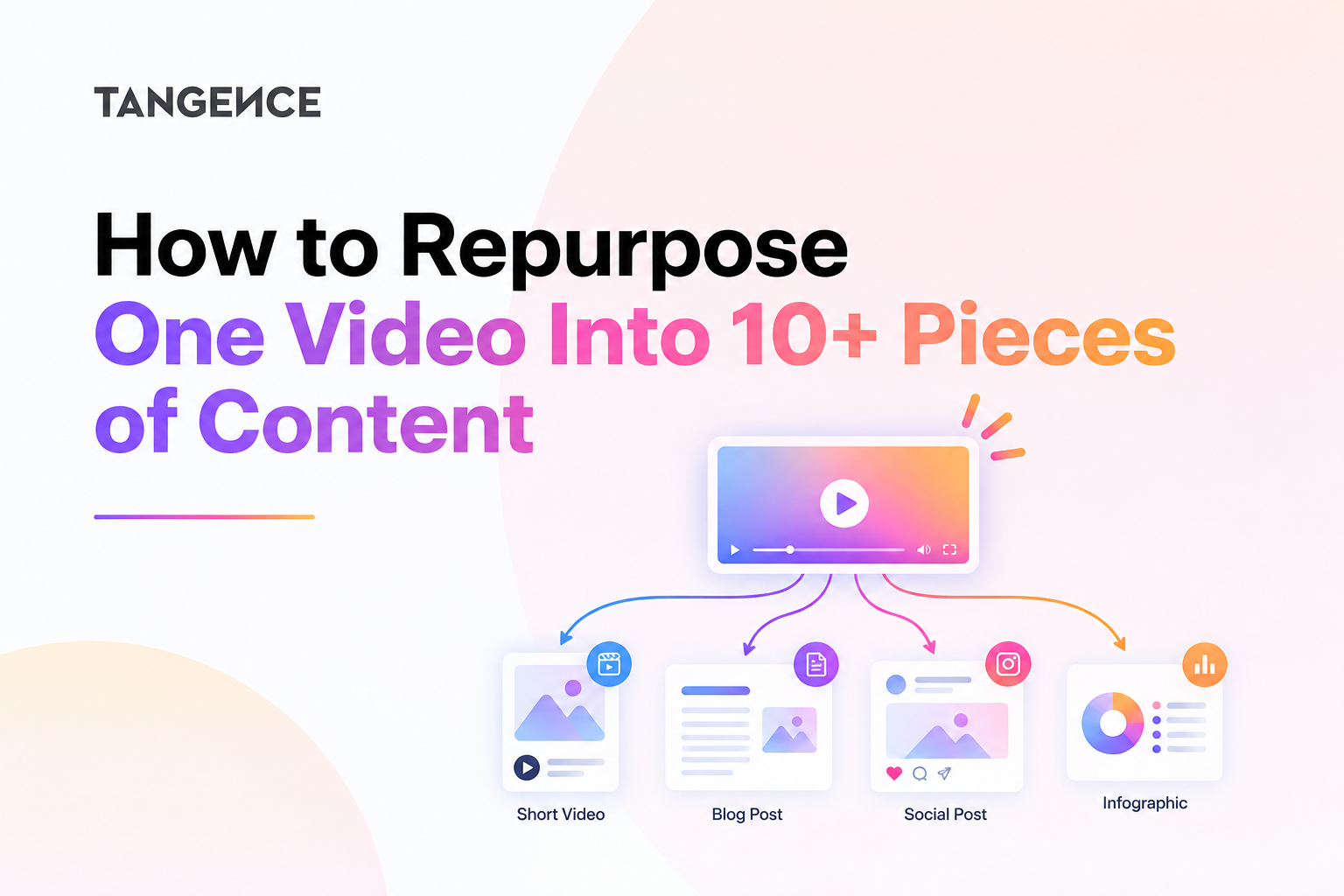
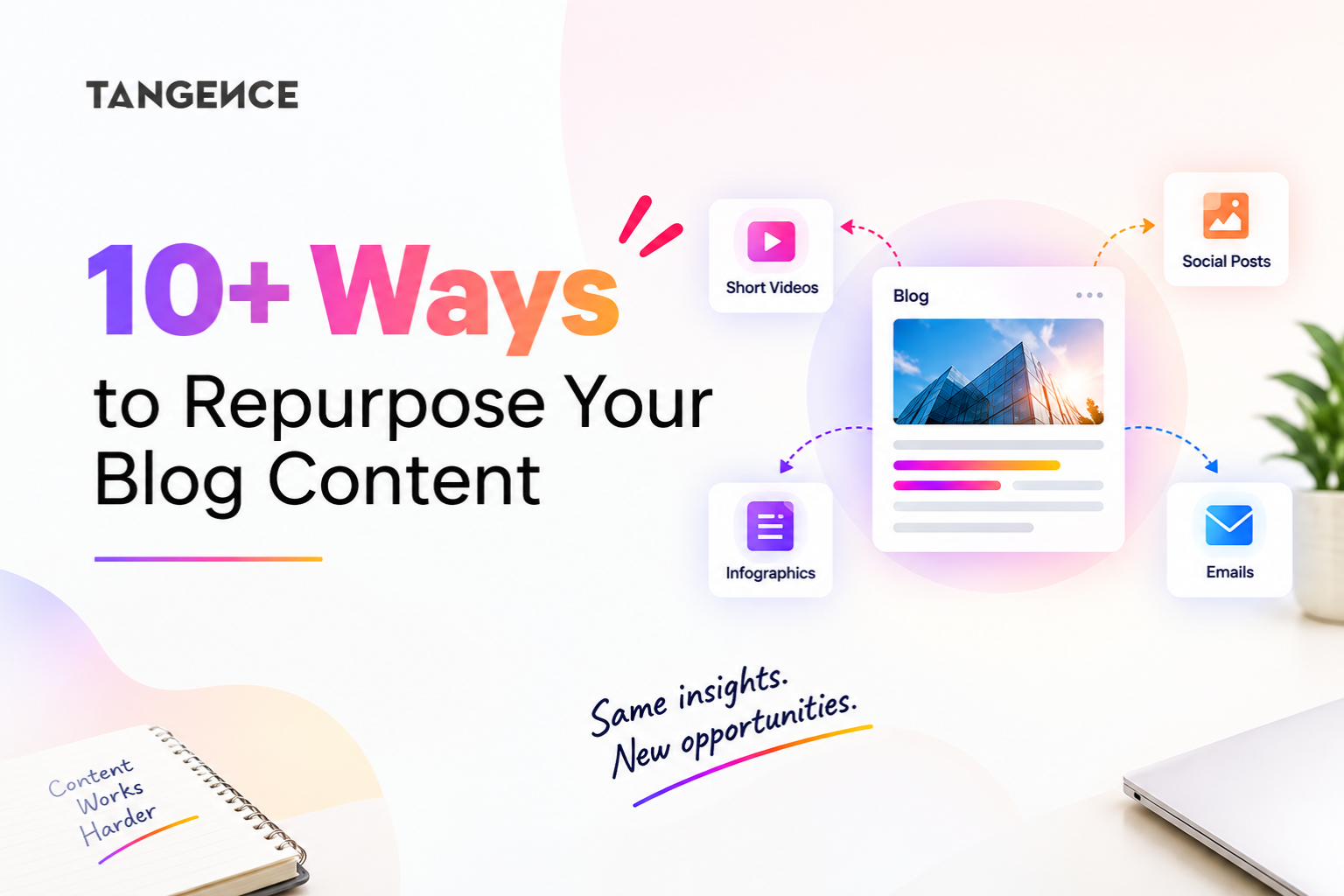
A single blog post can serve multiple purposes beyond your website. You can adapt its key insights into social media posts, short videos, email newsletters, podcast episodes, and other formats to reach different audiences. The goal is to present the same core ideas in ways that suit each channel, rather than simply copying and reposting the original content.
1. Create Short Videos
Pick one tip from your post. Film a 30- to 60-second clip. Post it on Instagram Reels, YouTube Shorts, and TikTok. Wyzowl found that 71% of marketers rate 30 seconds to 2 minutes as the sweet spot for video length.
Open with a hook in the first three seconds. Add captions, since many people watch with the sound off. End with a simple line that points to your blog.
For example, a fitness coach can turn a post on “5 Home Workout Mistakes” into five short clips. Each clip shows one mistake and one fix. That is five videos from one post.
For example, a blog called “How to Improve Local SEO” could become videos such as:
- What is local SEO?
- How does Google Business Profile help?
- What local SEO mistakes should you avoid?
- How do reviews affect local visibility?
CMI’s B2B research found that 76% of surveyed marketers used video, and video produced the best results among the content types they used and works better as a visual.
2. Repurpose Your Blog Content for LinkedIn
Your blog can become several types of LinkedIn content. Extract a strong idea from the article and adapt it to fit the platform. You can turn one section into a LinkedIn article, post, or carousel while linking back to the original blog when it adds value.
Create a LinkedIn Article
Take one useful section or key idea from your blog and expand it into a LinkedIn article. Adapt the length and style for LinkedIn rather than copying the entire blog.
Create a LinkedIn Carousel
A long blog can work well as a slide-based carousel. Use one idea per slide. Start with the main problem, then explain the solution step by step.
A simple structure could look like this:
- Slide 1: The problem
- Slide 2: Why it happens
- Slide 3: Step one
- Slide 4: Step two
- Slide 5: Step three
- Slide 6: Common mistake
- Slide 7: Final takeaway
This format works well for educational content because readers can move through the topic at their own pace.
3. Create a Podcast Episode or Audio Snippet
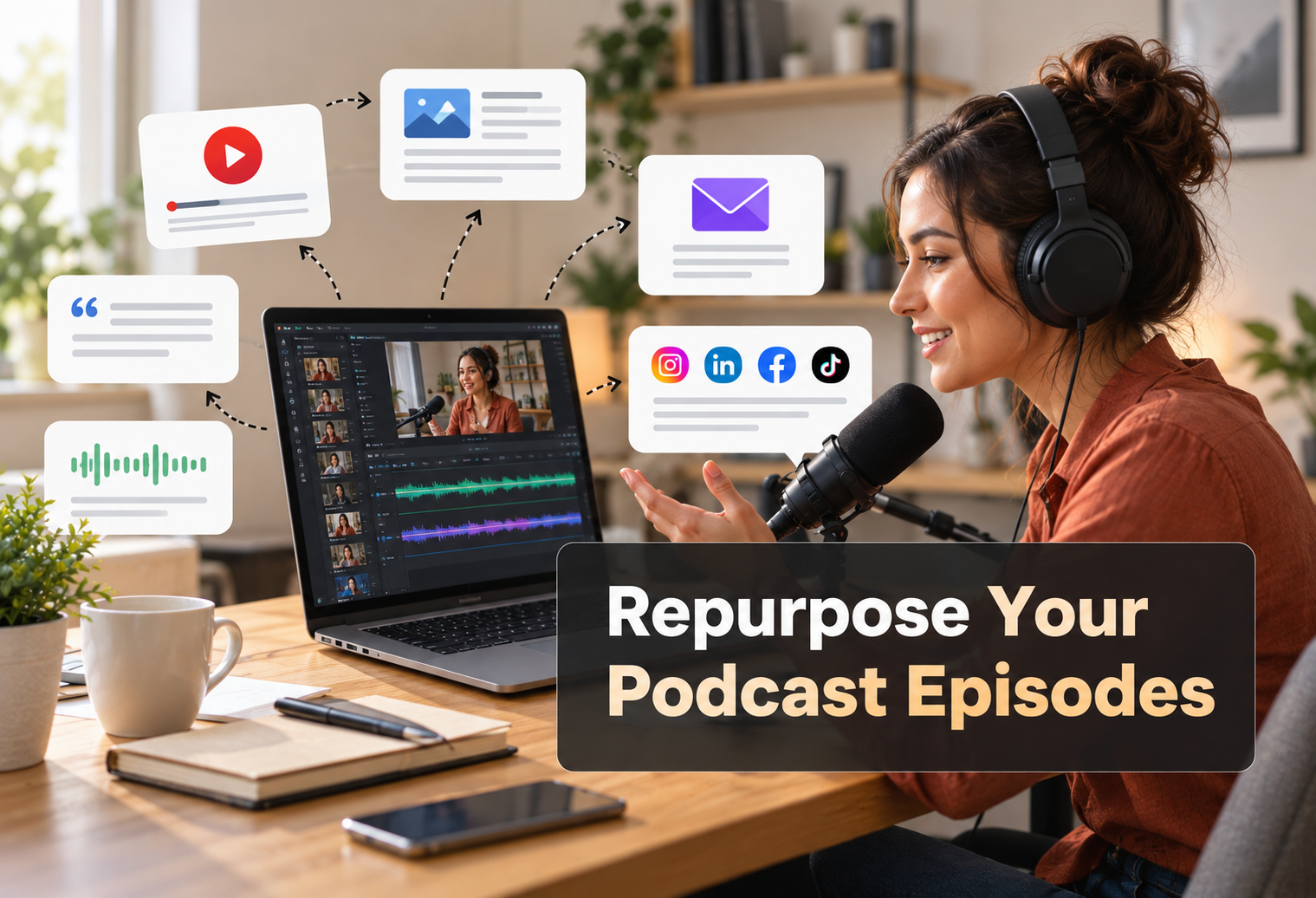
Podcasts continue to grow in popularity. But starting from scratch each week feels overwhelming. Instead, read your blog post aloud and record it. Add commentary and stories as you go. That’s a solo podcast episode. You can also turn a longer post into multiple short audio clips for social media.
The benefit?
People consume podcasts while driving, exercising, or doing chores. You reach them during times when they can’t read. Audio content also builds a deeper connection because listeners hear your voice and personality. This format works especially well for thought leadership and educational content.
For instance, a blog about AI marketing could become a podcast episode about how marketing teams use AI, where it helps, and where human review remains important.
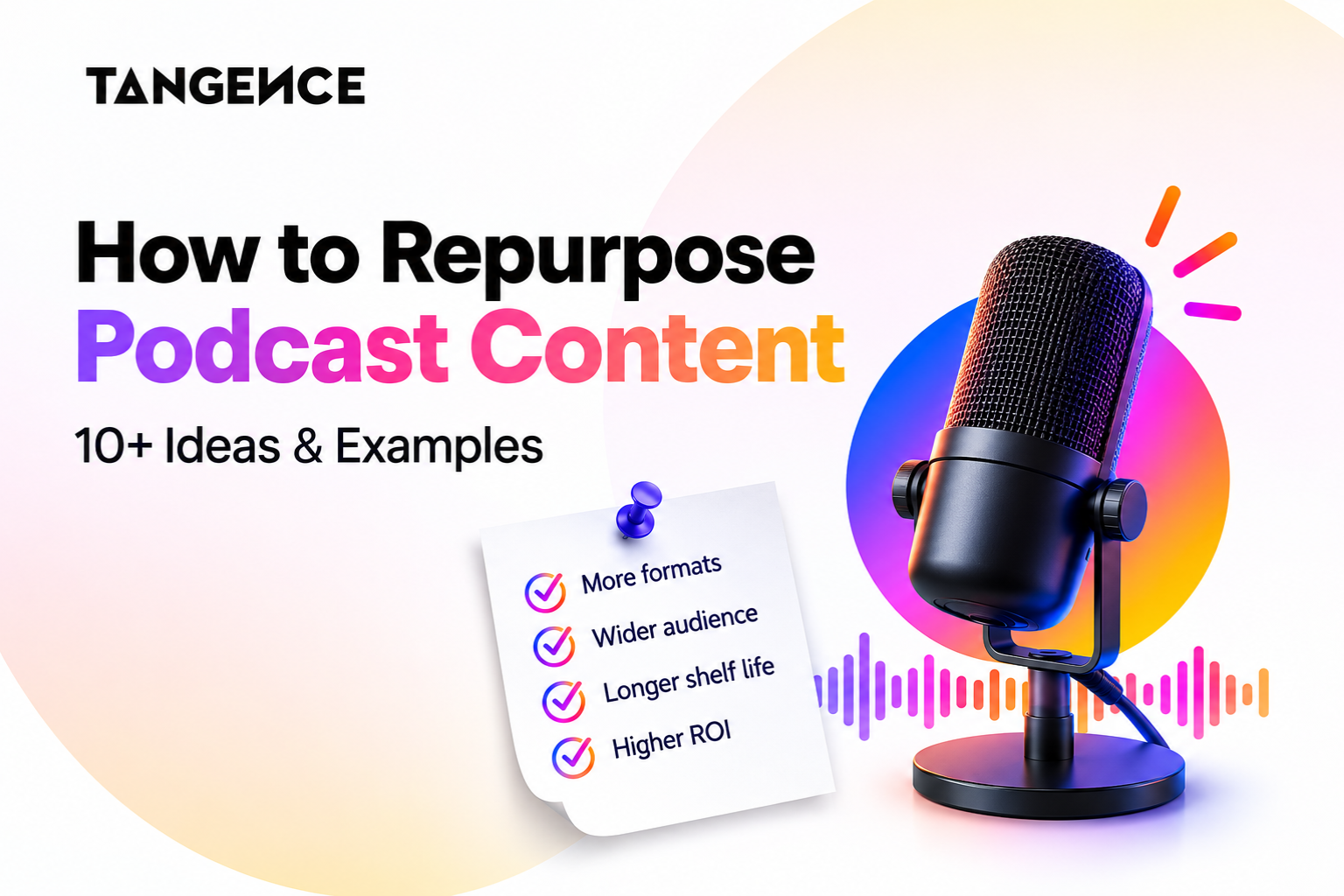
Related Post: How to Repurpose Podcast Content: 10+ Ideas
4. Design an Infographic or Visual Summary
Some people learn best through visuals. An infographic condenses your blog post into a scannable, shareable image. Pull out the main points, statistics, and steps. Arrange them in a clean visual layout. Tools like Canva make this easy, even without design skills. Infographics perform well on Pinterest, LinkedIn, and Instagram.
They also earn backlinks when other sites embed them. A good infographic tells a story at a glance. It captures attention quickly and communicates value without requiring readers to spend minutes reading text. This makes it perfect for busy audiences who want quick insights.
5. Build an Email Newsletter Series
Your blog post contains enough material for several emails. Break it into a three-part or five-part sequence. Each email focuses on one section or idea. Link back to the full post for deeper reading. This approach keeps you top-of-mind with subscribers without requiring new writing every day.
Email remains one of the highest-ROI channels in marketing. Repurposing blog content makes it easier to stay consistent. You can also personalize each email with a short intro or story. This adds a human touch while still leveraging the work you already completed. Subscribers get value. You get engagement.
For example, a detailed guide about SEO could become:
- Email 1: SEO basics
- Email 2: Keyword research
- Email 3: On-page SEO
- Email 4: Internal linking
- Email 5: Measuring results
This gives subscribers useful information over several days.
6. Develop a SlideShare or PDF Guide
Longer blog posts can become downloadable guides. Compile related posts into one comprehensive resource. Add an introduction, a table of contents, and a conclusion. Offer this guide as a lead magnet. People exchange their email address for valuable content. You build your list while giving old posts new life. SlideShare also hosts presentation-style decks.
Turn your guide into slides and publish it there for additional reach. PDF guides position you as an authority because they’re more thorough than a single blog post. They also give your audience something tangible they can save, print, or share with colleagues.
7. Record a Webinar or Video Tutorial
Blog posts teach through text. Webinars teach through demonstration and conversation. Take a how-to post and expand it into a live or recorded webinar. Show examples. Answer questions. Walk through the process step by step. Record the webinar and share it on YouTube.
Now you have video content that lives on long after the live session ends. Webinars also create opportunities for real-time engagement. Attendees can ask questions, which gives you fresh content ideas. The recording becomes a valuable asset you can promote for months or even years after the original broadcast.
8. Write Guest Posts or LinkedIn Articles
Your best blog posts can become guest posts for other publications. This exposes your ideas to new audiences and builds authority. You can also publish expanded versions as LinkedIn articles. LinkedIn’s algorithm favors native content. Posts that keep users on the platform get more visibility.
- Just be careful not to duplicate content exactly.
- Adjust the angle, add fresh examples, or tailor it to the new audience.
Guest posting also builds relationships with other creators and website owners. These connections can lead to future collaborations, backlinks, and speaking opportunities that extend your reach even further.
9. Create a Twitter or X Thread
Twitter threads tell stories in bite-sized chunks. They work well for lessons learned, step-by-step processes, and surprising insights.
- Take one compelling blog post.
- Pull out the most interesting points.
- Arrange them as a numbered thread.
- Start with a strong hook.
- End with a call to action and a link to the full post.
Threads often go viral because they’re easy to read and share. One good thread can drive significant traffic. The key is to make each tweet valuable on its own while still building toward a larger point. This keeps readers engaged from start to finish.
10. Develop a Mini-Course or Workshop
Several related blog posts can become a mini-course. Structure them into modules. Add worksheets, quizzes, or exercises. Sell this course or offer it as a premium resource. You’ve already done the research and writing. Now you’re repackaging it in a higher-value format. Even a single thorough blog post can become a one-hour workshop.
Expand each section with discussion and activities. Courses and workshops command higher prices because they deliver structured learning. They also attract serious learners who want to go deeper than a casual blog reader would.
11. Turn Data Into Charts and Graphs
If your blog posts include statistics or research, create standalone charts. These visual assets work well on social media and in presentations. Each chart tells a story. Add a brief caption explaining the insight. Link back to the full post for context.
Other writers and marketers may embed your charts in their own content. That earns you attribution and backlinks.
12. Create Quote Graphics
Pull powerful sentences from your blog posts. Design them as quote graphics with your branding. These are quick to make and easy to share. They work on Instagram, LinkedIn, Pinterest, and Twitter. Quote graphics also humanize your brand. They show personality and perspective in a visual format.
Repurposing Without Losing Your Voice
The AI Dilution Problem
AI tools make repurposing fast. But speed comes with a risk. After multiple rounds of AI-assisted editing, your sharp, specific insights can become generic mush.
One study found that 52% of consumers disengage when they spot undisclosed AI content. Your audience wants to hear from a human, not a content mill.
How to Protect Quality
- Keep the core claim intact. Your original post had a specific argument. Don’t let AI smooth it into vague generalities.
- Add personal stories. AI can’t replicate your experiences. Include anecdotes, lessons learned, and real examples.
- Do a final human edit. Always review AI-assisted content before publishing. Remove robotic phrasing. Add back your personality.
- Use AI for formatting, not thinking. Let AI handle transcription, layout, and scheduling. Keep the thinking and the voice human.
How to Build a Content Repurposing Calendar
A simple calendar can keep your workflow organized.
For example, one blog could support a full week of content:
| Day | Content Asset |
| Monday | Publish or update the blog |
| Tuesday | LinkedIn post |
| Wednesday | Short video |
| Thursday | Email newsletter |
| Friday | Carousel |
| Next week | Podcast or webinar |
| Next week | Checklist or downloadable resource |
You can adjust this schedule based on your team and audience. The goal is not to publish every possible format. The goal is to create a system that you can maintain.
Conclusion
Blog content can do much more than sit on your website. A strong article can become social posts, videos, emails, podcasts, checklists, presentations, FAQs, and other useful assets. The key is to adapt each piece instead of copying the same text across channels.
Start with your best existing blogs. Break each one into clear ideas. Match those ideas to the formats your audience prefers. Then add original examples, expert insight, and updated facts.
When you build a repeatable repurposing system, one strong blog can become a steady source of useful content without requiring you to start from scratch every time.
Looking to turn your existing content into a stronger multi-channel strategy? Tangence can help you plan, adapt, and scale content that supports your audience and business goals. Contact us Today!
Frequently Asked Questions
1. What is the best way to repurpose a blog post?
Start by breaking the blog into its main ideas. Then match each idea to a useful format such as social posts, video, email, a checklist, or a presentation. Adapt the content for each channel instead of copying it word for word.
2. How many pieces of content can one blog create?
There is no fixed number. A detailed blog can produce several useful assets when it contains multiple ideas, examples, data points, or steps. Focus on usefulness rather than reaching a specific content count.
3. Does repurposing blog content help SEO?
It can support a broader content strategy, especially when each asset adds useful information and reaches a relevant audience. However, repurposing alone does not guarantee higher rankings. Google recommends helpful, reliable, people-first content rather than content created mainly to manipulate search rankings.
4. How can Tangence help with content repurposing?
Tangence can help businesses turn existing content into channel-specific assets. A structured workflow can help identify strong blog topics, adapt them into new formats, and maintain a consistent content strategy.
5. Can Tangence repurpose content for SEO and AI search?
Yes. A content strategy can address both traditional search and AI-driven discovery by focusing on clear answers, useful structure, original insights, and strong source information. Google recommends applying foundational SEO practices to its generative AI search features.
6. Should I use AI to repurpose my blog content?
Yes, sure. AI can help with tasks such as outlining, summarizing, drafting, and formatting. However, human review remains important. Check facts, add original insights, and make sure every final asset provides value to the intended audience.
7. How often should I repurpose a blog post?
There is no universal schedule. Start with your strongest evergreen posts and create a few useful formats from each one. Review performance over time and repurpose the content again when the topic, audience need, or channel creates a clear reason to do so.